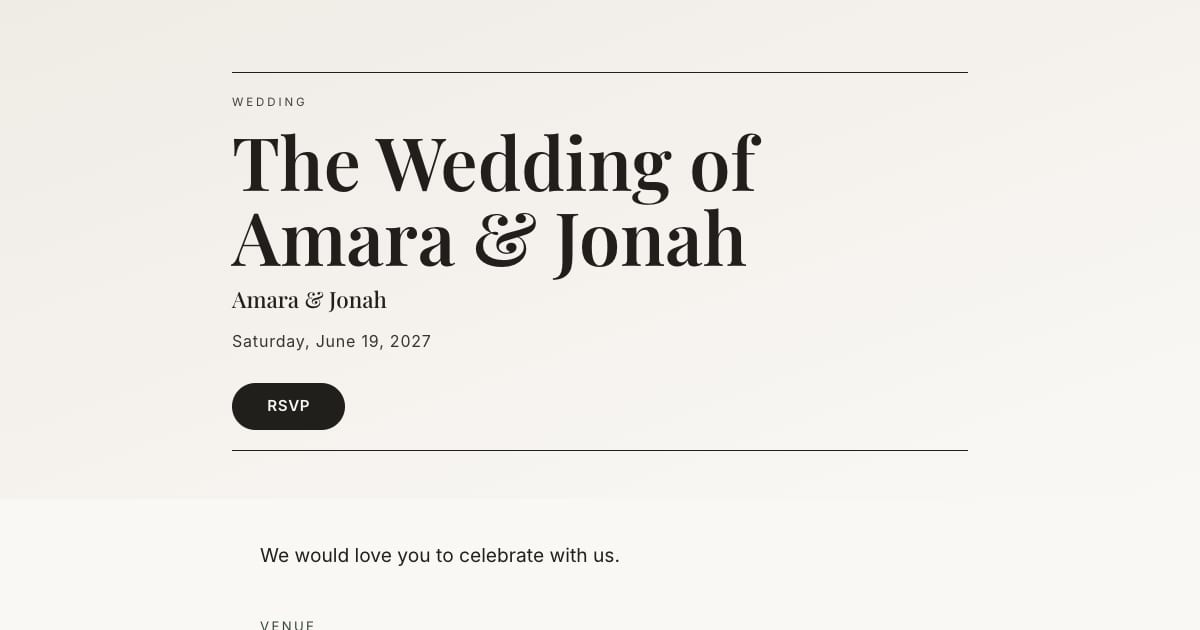
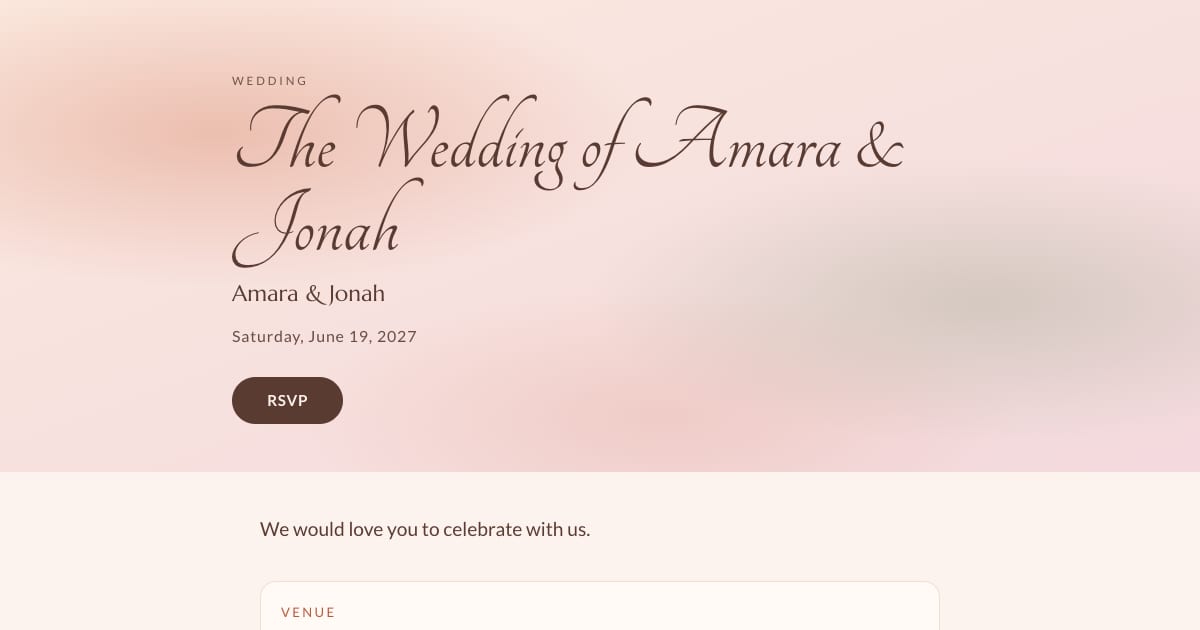
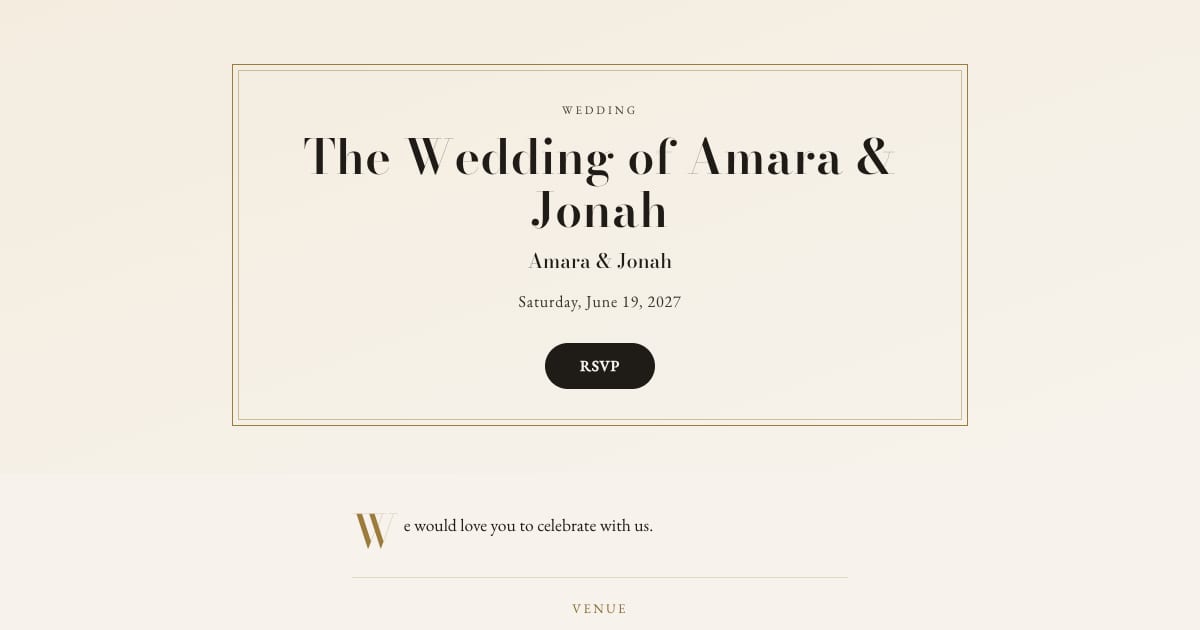
How to Send Wedding Invitations by Text or WhatsApp
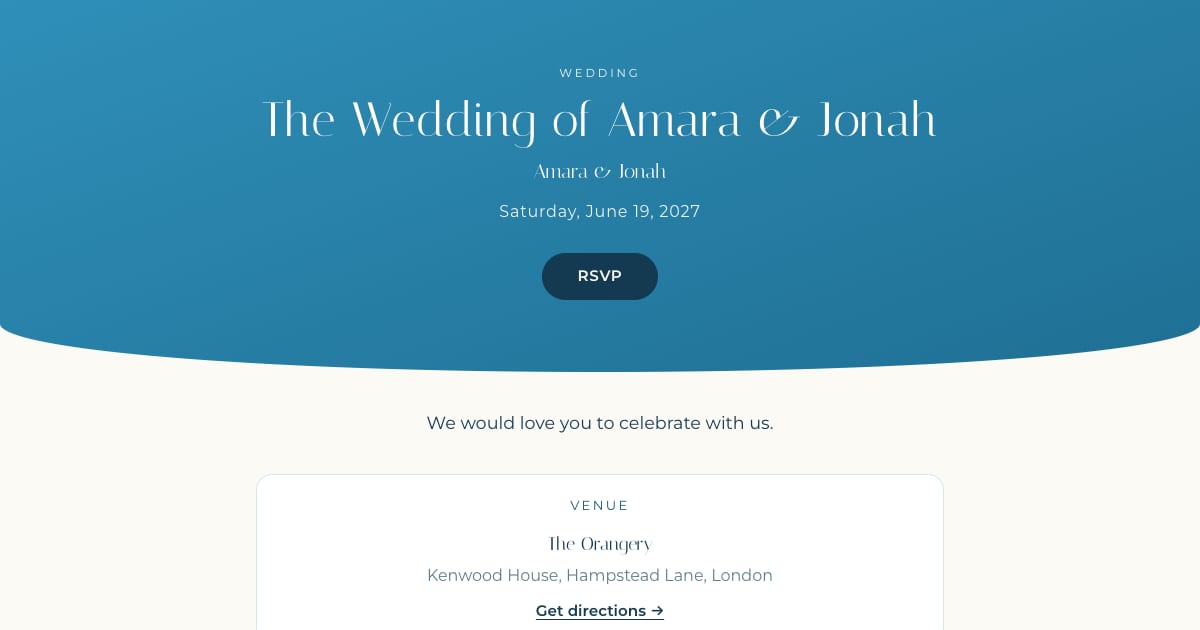
Key Takeaway
Send a personal wedding invitation link by text or WhatsApp, with eight message examples, current sharing steps and clear reminder limits.
Is it okay to invite wedding guests by text?
Discuss the format with your hosts and consider how guests prefer to receive a wedding invitation. Emily Post favors printed wedding invitations except in unusual circumstances. A texted link is a choice, not a universal etiquette rule.
If you choose text, use an individual message from a recognizable sender, with invited names and a clear RSVP link. Arrange a different channel for anyone who cannot use it. See etiquette and guest access.
What the text should say
The message is the envelope, not the invitation. Keep it to a few lines and let the link carry the rest. It needs:
- Their names. "Margaret and Tom," not "Hi all."
- Who it is from. Your names, especially if they might not have your number saved.
- The ask. "We would love you to be there."
- The date and the city. Enough to put it in a calendar before they open anything.
- The link. Their personal invitation and RSVP link.
- The RSVP date. One short line: "Please reply by 15 May."
Leave out the dress code, the schedule, the registry, and the hotel details. They belong on the invitation page, where guests can find them again later. A text that tries to hold everything gets skimmed and lost.
8 wedding invitation text templates
1. Warm and simple
Margaret, Tom: Jonah and I are getting married on 19 June in London and we would love you to be there. Your invitation is here: [link]. Please RSVP by 15 May. Love, Amara
2. Formal
Dear Mr. and Mrs. Hale, together with our families, Amara Okafor and Jonah Whitfield request the pleasure of your company at our wedding on Saturday 19 June 2027 at The Orangery, Hampstead. Your invitation and RSVP: [link]. Kindly reply by 15 May.
3. From the parents
Dear Grace, Daniel and I are delighted to invite you to Amara and Jonah's wedding on 19 June in London. The invitation, with all the details, is here: [link]. We do hope you can join us.
4. Relaxed
We're getting married! 19 June, London, and it would not be the same without you. Everything is here, including the RSVP: [link]. Reply by 15 May so we know how many to feed. A & J
5. Destination
Priya, we're getting married in Sardinia, 19 to 21 June 2027, and we would love you there. Travel notes, the room block, and the RSVP are all here: [link]. Please reply by 1 March so we can confirm rooms.
6. Adults only, said kindly
Sam and Leila, we would love you both at our wedding on 19 June in London. We are planning an adults-only celebration and hope you can join us. Your invitation: [link]. RSVP by 15 May.
7. A gentle reminder
Hi Tom, just a quick nudge: we need final numbers by Friday for the caterer. Your RSVP link is here if you haven't had a chance: [link]. No pressure, and thank you!
8. Thank you for your RSVP
Margaret, thank you for saying yes! We can't wait to celebrate with you both. The schedule and directions are on the invitation page whenever you need them: [link]
More formal and casual wording for the invitation itself is in digital wedding invitation wording.
SMS, iMessage, or WhatsApp?
| SMS / iMessage | ||
|---|---|---|
| Reaches | Anyone with a phone number | Guests who use WhatsApp |
| Link preview | Yes on iPhone (iMessage); plain link on some Android SMS apps | Depends on the app, link and cache; test it |
| Cost to you | Usually included in your plan; international SMS may cost | Free over data or Wi-Fi |
| Best for | US guests, older relatives who text but do not use apps | International guests, family groups abroad |
| Avoid | Group texts: replies go to everyone | Groups; broadcast lists only reach people who saved your number |
How to send it with Bloomvite, step by step
-
Create the invitation
Pick a template, add your names, the date, and the venue, and set your RSVP deadline. Preview the details before publishing. -
Add a cover photo
Upload an engagement photo on the Design page. A preview depends on the messaging app and its caching. Test the actual copied personal link; adding a cover photo does not guarantee a preview on every channel. -
Add your guests
Add each household by name. Every guest gets a personal RSVP link, so each reply is tied to the right person. -
Copy each guest's invitation
On your Guests page, tap Copy invite on a guest's row. It copies a short message with their name and their personal link. Paste it into WhatsApp or Messages, add a line of your own if you like, and send. -
Watch the replies
Your guest list shows who has said yes, who has declined, and who has not replied, with their meal choices and their answer for each part of the day. -
Nudge the quiet ones
Automatic reminder emails on Pro and Large require an eligible guest email address. Guests without one need manual follow-up. Before the deadline, send a personal nudge (template 7) to anyone still pending.
Personal links, not one shared link
It is tempting to paste one link into every chat. Resist it for a wedding. A personal link means every reply is tied to a named guest, so you never have to guess who "Sam" is or whether a plus-one was invited. It also lets you set each guest's plus-ones and which parts of the day they are invited to, and the personal RSVP asks about their assigned events. The public schedule should not be treated as private.
Bloomvite also has a public invitation link with an RSVP button, where guests find their invitation by name and the email address you have for them. That works well for guests you have emailed. For guests you only text, send their personal link.
Mistakes that make a texted invitation feel cheap
- A group chat. It announces the guest list to everyone, invites reply-all chaos, and makes nobody feel personally invited.
- A bare link. Always put a line from you above it. Many people will not tap an unexplained link, and they are right not to.
- No preview. A preview can vary by app and cached link data. Test the copied link and make the message clear even if no image appears.
- Everything in the text. Three lines and a link. The details live on the invitation.
- Sending late at night. Send between 10 a.m. and 7 p.m. in their time zone. A wedding invitation should not wake anyone up.
- Mixing channels without a reason. Text the people you already text. Print or email for the ones you do not, but invite everyone within the same day or two.
When to send it
Choose dates around guests' travel needs and your venue's final-count deadline. Digital delivery is not a reason to leave less notice. See our timing guide and worked example.
Frequently asked questions
Is it rude to send a wedding invitation by text?
Can I send save-the-dates by text?
What if a guest does not use WhatsApp?
Can I send one message to everyone at once?
Will guests who RSVP by text get reminders?
Does the link work on every phone?
Bloomvite limits and sharing
Bloomvite is free for one event and up to 50 people, including plus-ones and children, with all ten templates and no watermark. You share guest links yourself by text, WhatsApp or your own email. Pro is $39 per event for up to 300 people and adds invitation emails and automatic RSVP reminder emails, envelope reveal, seating, CSV import and QR check-in. Large event is $79 for up to 1,000 people. Guests need no account or app to RSVP.
Automatic RSVP reminder emails are a Pro and Large event feature. They target eligible pending guests with an email address while the published event is open for replies, subject to sending limits. They are not automatic texts. Follow up manually with guests who have no eligible email address. See current pricing and RSVP features.
Make an invitation worth texting.
Free for one event and up to 50 people, including plus-ones and children. Paid features require Pro or Large.
Create your invitation, free