Birthday invitations
Birthday invitations that look designed and take ten minutes.
A thirtieth, a fiftieth, a surprise dinner, a kid's party: pick a template, add a photo of the guest of honor, and send each guest their own link by text or WhatsApp. Replies land in a guest list instead of a group chat, and you read the headcount off the top. Free for up to 50 people, with no ads and no watermark, which is what makes it look like an invitation and not a flyer.
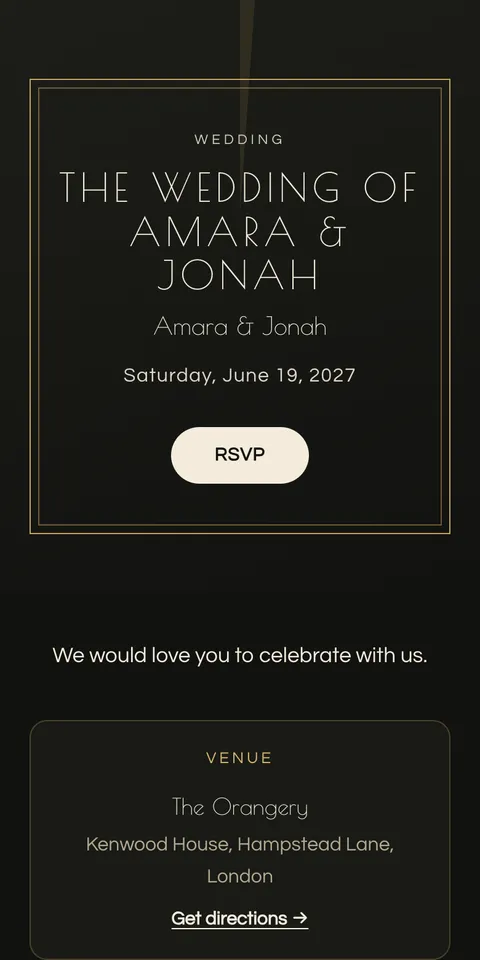
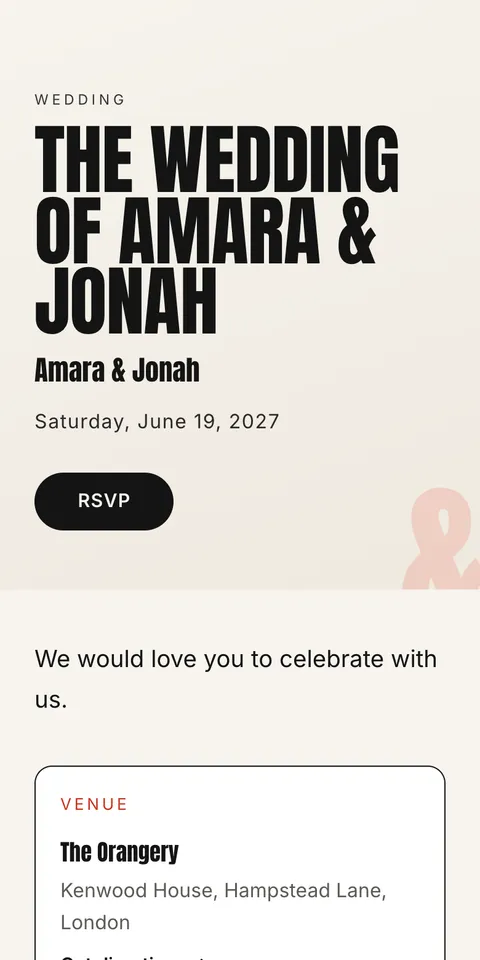
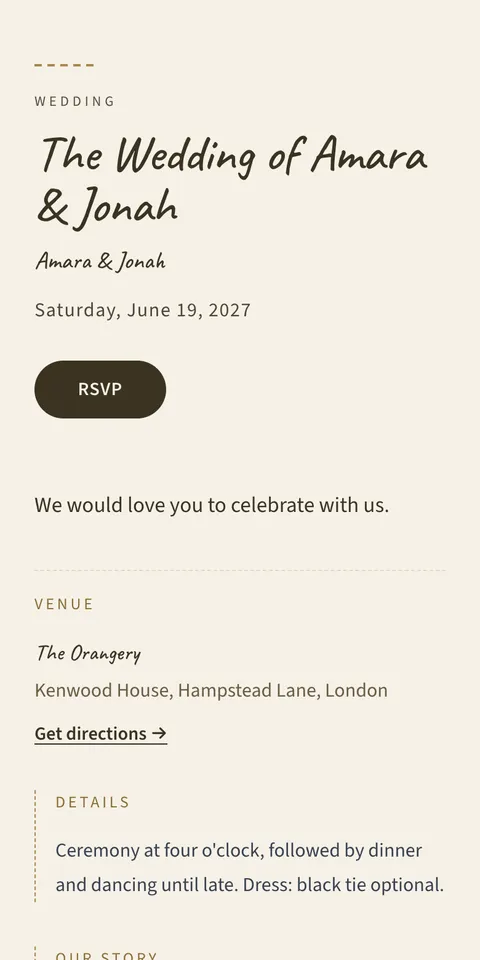
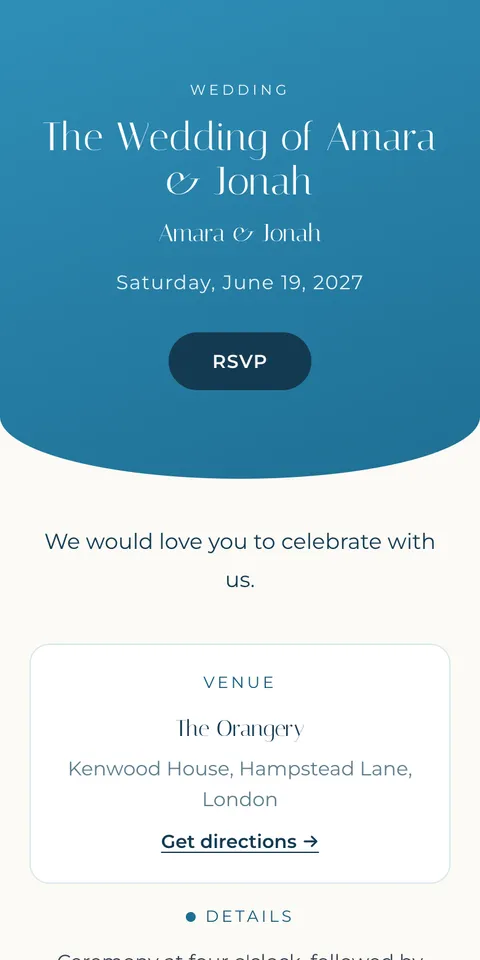
Templates we would start with
How it works
- 1
Pick a template
Choose a design, then change the font pair, accent color, and cover photo on a live preview that is the real invitation.
- 2
Add details and guests
Create the event as "Birthday", fill in the date and venue, and add guests by hand, or import a list on Pro or Large.
- 3
Send and relax
Send each guest a personal link from your email or messages. Review replies in the guest list. Pro and Large add reminder emails for eligible pending guests with email addresses.
What to include
- Whose birthday
- And which one, if it is a milestone. "Maya's 30th" is the headline.
- Date, time, place
- With a map link. Add an end time if the venue needs one.
- What to expect
- Dinner, drinks, cake at nine, dancing. One line.
- Surprise?
- Say so in the first line and in the message: "It's a surprise, please don't mention it to Maya."
- RSVP deadline
- About a week before, so you can confirm numbers with the venue.
Wording examples you can use
Each example is shown on a real template. "Use this wording" starts your invitation with it, and you change the names and details to yours.
Maya's 30th
Maya is turning 30.
Join us for dinner and dancing
Saturday 12 March, 8 p.m.
Dishoom, King's Cross
RSVP by 5 March
Sam's 50th
Shh, it's a surprise!
Help us celebrate Sam's 50th
Friday 4 June, 7 p.m. sharp
The Old Bell, Hurley
Please don't mention it to Sam.
Leo's 6th
Leo is turning 6!
Dinosaurs, cake, and a lot of noise
Sunday 10 April, 2 to 4 p.m.
Hampstead Heath playground
Let us know about any allergies.
When to send it
- 3 to 4 weeks before Send the invitation (6 weeks for a milestone with travel).
- 1 week before the deadline Nudge anyone who has not replied (on Pro, Bloomvite emails an automatic reminder).
- About 1 week before RSVP deadline, final numbers to the restaurant or venue.
Pricing
Free
1 event, up to 50 people, every template and RSVP. You share it yourself. No watermark.
$39 per event
Up to 300 people, plus emailed invitations and reminders, seating, CSV import, and QR check-in.
$79 per event
Up to 1,000 people. Everything in Pro.
One-time, no subscription. Full pricing.
Questions
- How do I send a birthday invitation by text?
- Create the invitation, then copy each guest's personal link into a text or WhatsApp message from your phone. Guests open it, see the invitation, and RSVP. No app.
- Are online birthday invitations free?
- Yes, for up to 50 people, with every template and no ads or watermark.
- Can I see who has not replied?
- Yes. The guest list shows attending, declined, and pending, so you know who to nudge before the deadline. On Pro, Bloomvite emails them a reminder.
- Does it work for kids' parties?
- Yes. Address the invitation to the parents, ask for allergies in the dietary notes, and set each guest to "Up to 1" plus-one so a parent can come along.
Free for 50 people. No watermark, ever.