Digital Wedding Invitation Etiquette: Hosts, Guests and Format
Key Takeaway
Choose a considerate wedding invitation format, address named guests, explain plus-ones and send a clear RSVP deadline, with Emily Post sources.
What etiquette guidance says
Emily Post's wedding email guidance recommends printed wedding invitations, except in unusual circumstances. Digital is a choice to discuss with your hosts rather than a universally accepted substitute. A formal design does not by itself settle that decision.
Our practical recommendation: use the channel your guests can use comfortably, keep the invitation personal and offer telephone help or a separately arranged printed invitation where needed. Bloomvite does not provide printed stationery.
The details guests need
Include the hosts, the couple's names, a clear invitation to the celebration, the date, time, venue and city, reception information and how and when to reply. Put travel notes and accommodation information where guests can return to them.
For a traditional formal card, follow Emily Post's formal wording guidance, including its advice on where to place attire information. For a digital page, a clearly labeled details section can explain the dress code without crowding the invitation wording. See our card, email and text examples.
Address couples and families clearly
Name the people invited: "Dear Margaret and Tom" identifies two people; "and guest" offers an additional place. If children are invited, name them or explain the family invitation explicitly. Avoid relying on a vague "family" line when you mean only the adults.
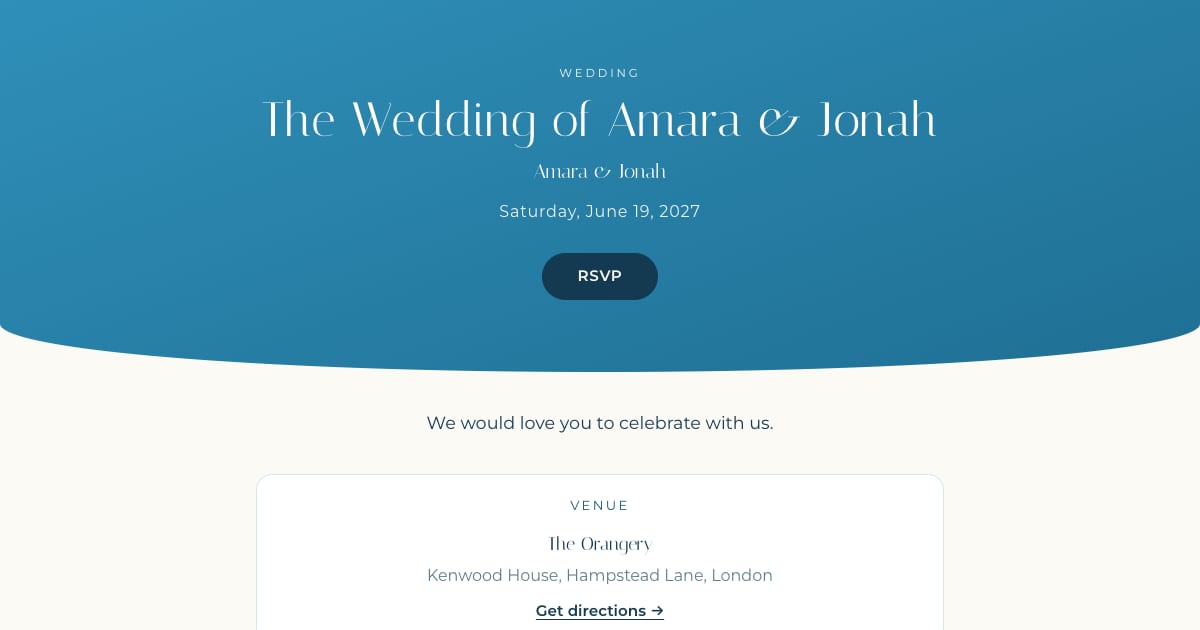
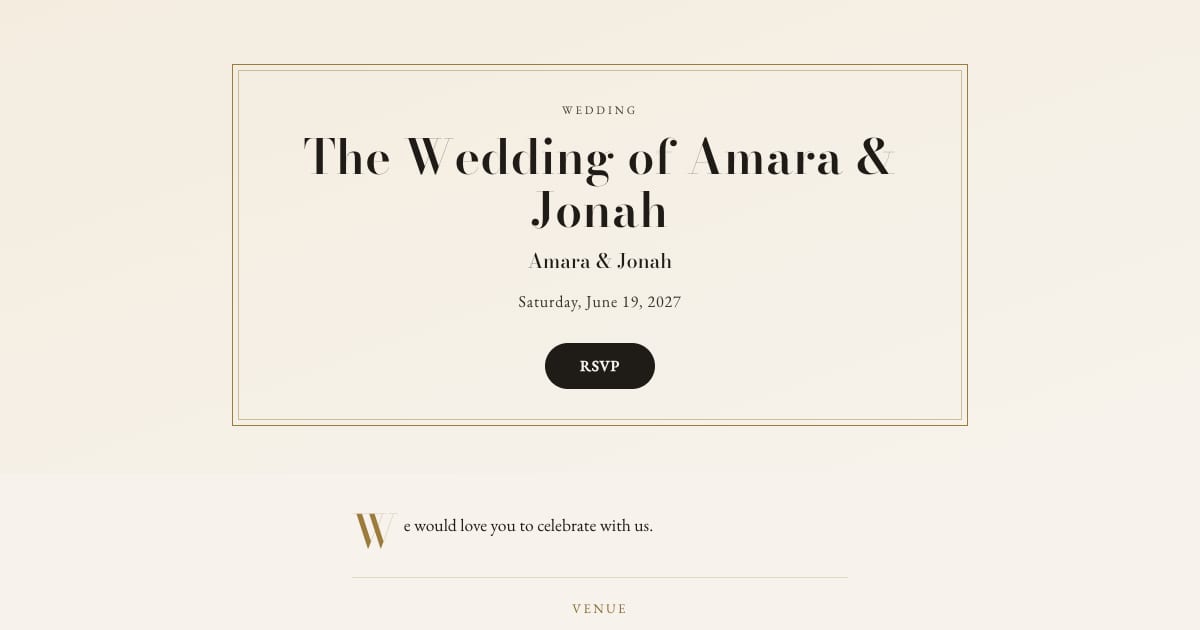
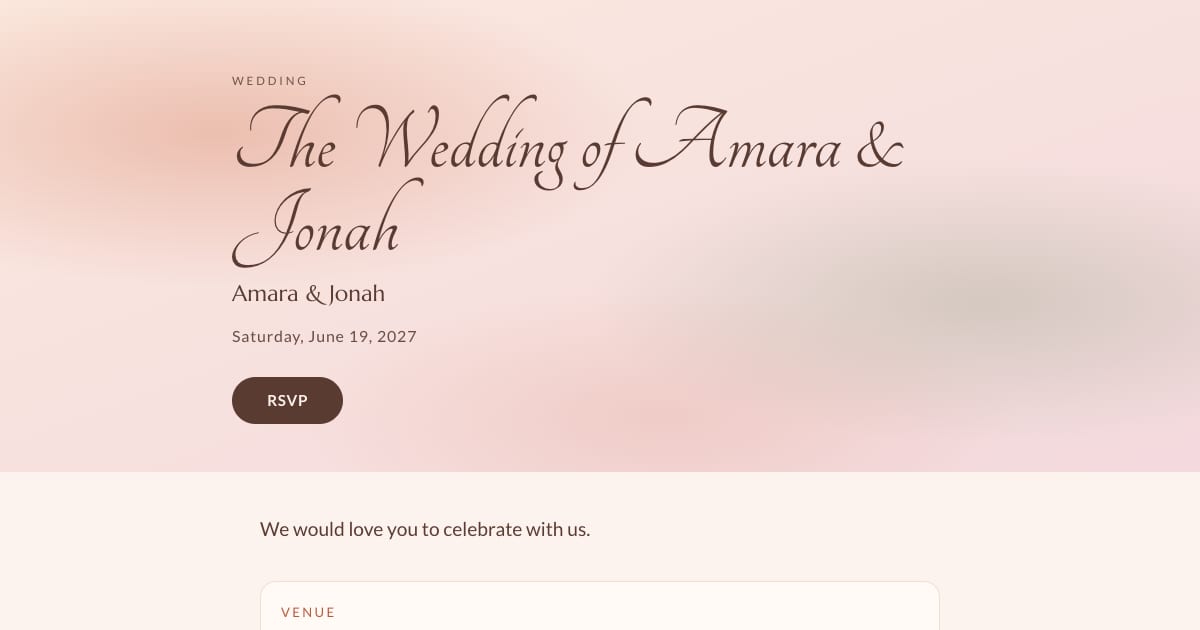
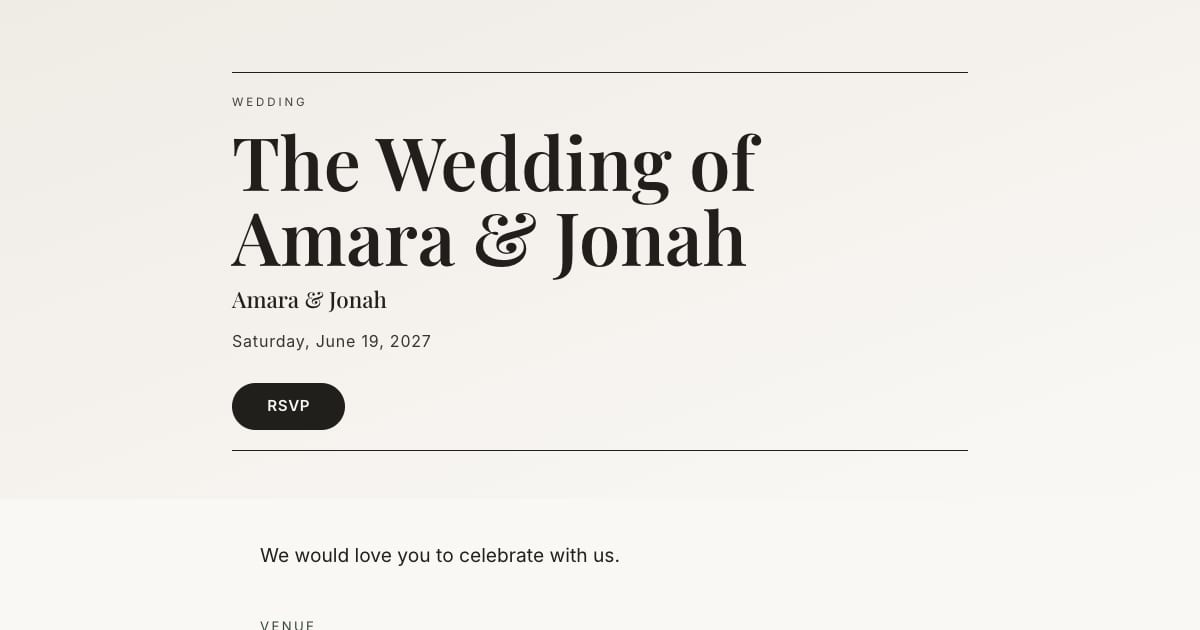
When the couple hosts, "Amara and Jonah invite you to celebrate their wedding" is a clear starting point. See rendered wedding wording examples and adapt the host line to the people actually hosting.
Send each personal link carefully
Send a short individual message from a recognizable sender. Name the invitees, identify yourselves and include the personal invitation link. Avoid a group conversation that exposes other guests' contact information. Mixed channels can be considerate when guests have different access needs.
On Bloomvite, Copy invite on a guest's row copies their message and personal link. That link allows an RSVP tied to that guest, so share it only with its intended recipient. A public invitation link uses a name and email lookup instead. See text and WhatsApp instructions.
Plus-ones, children and the reply deadline
State who is invited in the message and set the permitted additional guests on the guest record. Bloomvite limits the additional guests a record may add; it does not verify ages. Children and plus-ones count toward the event's people cap.
Choose the RSVP deadline from your venue's final-count requirements and allow time to follow up. Emily Post recommends mailing invitations six to eight weeks before the wedding. Digital delivery is not a reason to give guests less planning time. See our timing guide.
Reminder and pricing limits
Automatic RSVP reminder emails are a Pro and Large event feature. They target eligible pending guests with an email address while the published event is open for replies, subject to sending limits. They are not automatic texts. Follow up manually with guests who have no eligible email address.
Bloomvite is free for one event and up to 50 people, including plus-ones and children, with all ten templates and no watermark. You share guest links yourself by text, WhatsApp or your own email. Pro is $39 per event for up to 300 people and adds invitation emails and automatic RSVP reminder emails, envelope reveal, seating, CSV import and QR check-in. Large event is $79 for up to 1,000 people. Guests need no account or app to RSVP. See current pricing.
Frequently asked questions
Can I use digital invitations for a black-tie wedding?
Should every guest receive the same format?
How do I avoid accidental plus-ones?
Put your invitation on a considered design.
Free for one event and up to 50 people, including plus-ones and children. Paid features require Pro or Large.
Create your invitation, free