How to Send Birthday Invitations by Text or WhatsApp
Founder & CEO
· Updated October 10, 2026 · 2 min read
How to Send Birthday Invitations by Text or WhatsApp

Key Takeaway

Create a birthday invitation, share personal links by text or WhatsApp and track RSVPs. Understand people limits and manual or paid email follow-ups.

Create and share the invitation

  1. Pick the look

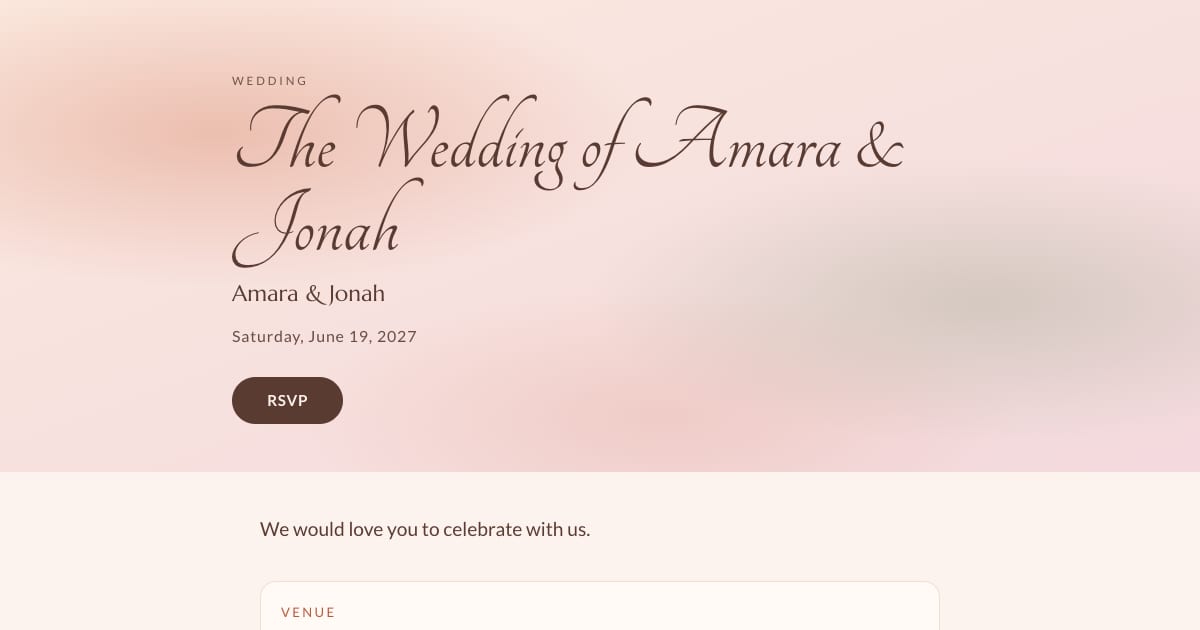
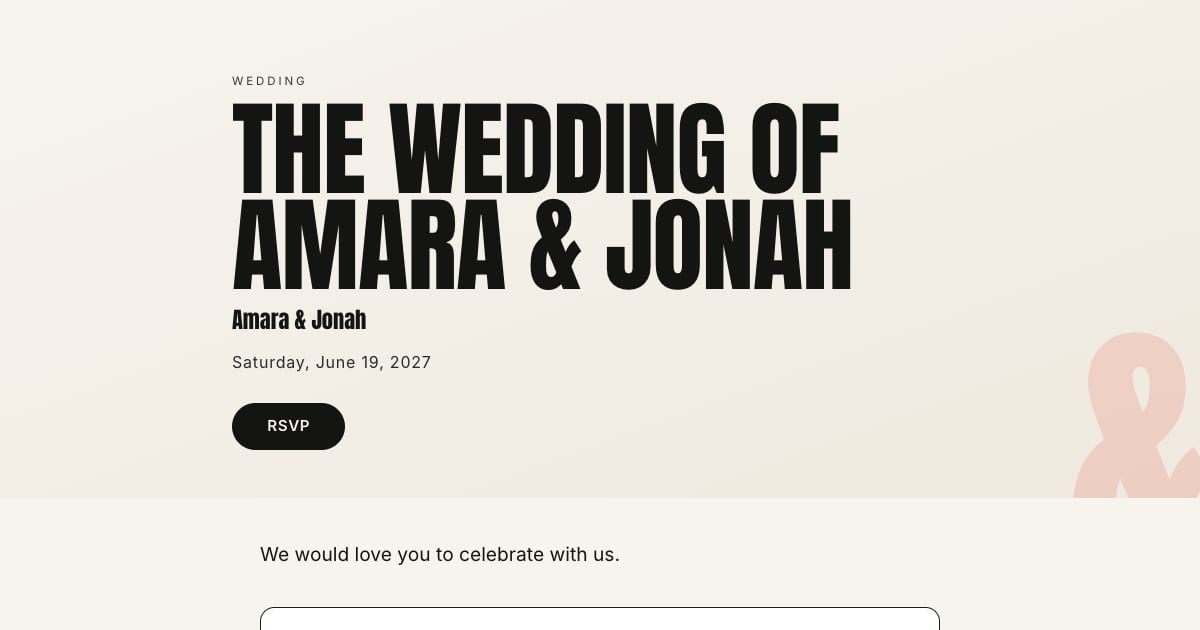
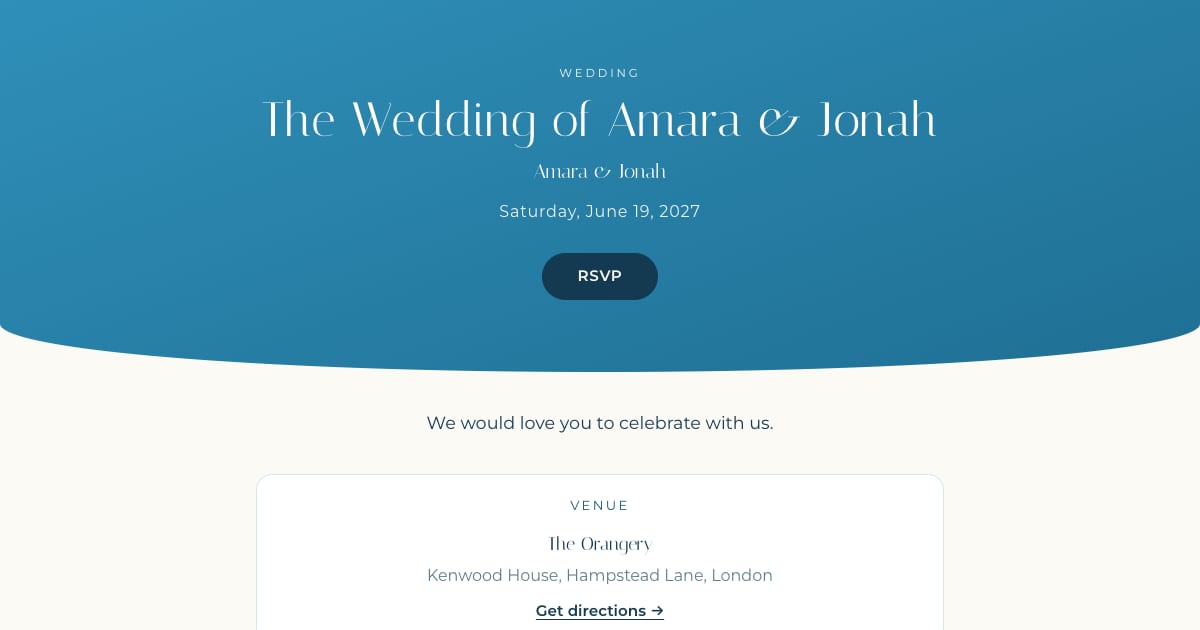
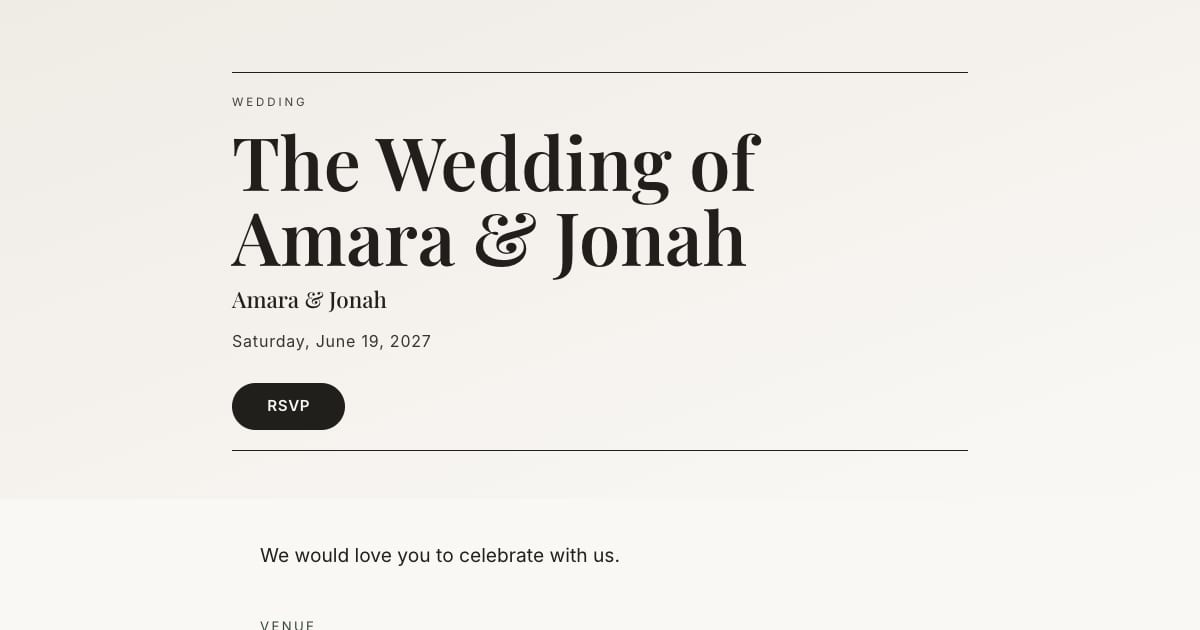
    A milestone (30th, 40th, 50th) suits Gilded or Statement; a kid's party suits Aquarelle or Fieldnote; a dinner suits Atelier or Midnight Bloom. Change the accent color to match the theme.
  2. Fill in the essentials

    Whose birthday, the date and time, the place with a map link, what to expect (dinner, drinks, cake at nine), and the RSVP deadline.
  3. Add one photo

    A good photo of the birthday person does more than any decoration. Full-width cover, done.
  4. Add guests

    Add names and available contact details. Pasted lists and CSV import require Pro or Large.
  5. Send by text or WhatsApp

    Each guest gets a personal link. Copy it into a message from you. The public link uses a name and email lookup; use personal links for guests without an email address.
  6. Let it run

    Replies fill the guest list. Automatic RSVP reminder emails are a Pro and Large event feature. They target eligible pending guests with an email address while the published event is open for replies, subject to sending limits. They are not automatic texts. Follow up manually with guests who have no eligible email address. You read the number off the top.

Why not just a group chat?

A group chat can mix conversation and replies, making a final count difficult to reconcile. A proper invitation gives you yes, no, and how many, per person, plus dietary notes if it is a dinner. It also lets you invite people who are not in the same chat without merging worlds.

Why not Evite?

Evite reserves an ad-free invitation experience for Premium. For a child's party that may not matter. For a milestone birthday, a dinner, or anything you want to look considered, an ad-free, watermark-free invitation reads very differently. Our Evite comparison lays out the differences plainly.

Surprise parties and adults-only

For a surprise, put "It's a surprise, please don't mention it to Sam" in the first line of the invitation and in the message. For adults-only, write "grown-ups only this time" on the invitation. If it is a kids' party, ask for the parent's name and any allergies in the dietary notes.

Frequently asked questions

How do I send a birthday invitation by text?

Create the invitation, copy each guest's personal link into a text or WhatsApp message from your own phone, and send. Guests open the link, see the invitation, and RSVP. No app.

Are online birthday invitations free?

On Bloomvite, yes, for up to 50 people with every template and no watermark or ads. Evite is free with ads.

Can guests RSVP without an account?

Yes. They open the link and reply. Nothing to install or sign up for.

Can I see who has not replied?

Yes. The guest list shows attending, declined, and pending, and you can follow up manually. Automatic reminder emails require a paid event and an eligible email address.

Does it work for kids' parties?

Yes. Address the invitation to the appropriate parent or guardian, ask for the child's name and relevant dietary notes, and set the additional-guest allowance to match the invited party. Count accompanying adults and children toward the total people limit.

Bloomvite limits and sharing

Bloomvite is free for one event and up to 50 people, including plus-ones and children, with all ten templates and no watermark. You share guest links yourself by text, WhatsApp or your own email. Pro is $39 per event for up to 300 people and adds invitation emails and automatic RSVP reminder emails, envelope reveal, seating, CSV import and QR check-in. Large event is $79 for up to 1,000 people. Guests need no account or app to RSVP.

Automatic RSVP reminder emails are a Pro and Large event feature. They target eligible pending guests with an email address while the published event is open for replies, subject to sending limits. They are not automatic texts. Follow up manually with guests who have no eligible email address. See current pricing and RSVP features.

Create a birthday invitation.

Free for one event and up to 50 people, including plus-ones and children. Paid features require Pro or Large.

Create your invitation, free
Enjoyed this article? Share it!

About the author

Founder & CEO

Ahmad Tayyem is the founder of Bloomvite and a software engineer. He writes about the invitation builder, RSVP workflows and guest-list tools he develops, and links etiquette guidance to its published sources.