How to Collect Wedding RSVPs Online (the Easy Way)
Key Takeaway
Collect wedding RSVPs with personal links, meals, additional-guest limits and a clear deadline. Understand manual follow-up and paid email reminders.
Set it up in six steps
-
Build the guest list first
Add names and the contact details you have permission to use. CSV import requires Pro or Large. Decide who may bring additional guests and how many. -
Keep the form short
Attending yes or no, number attending, meal choice, dietary notes. Anything else (shuttle seats, song requests) fits in a free-text note to the hosts. -
Ask per event if you have more than one
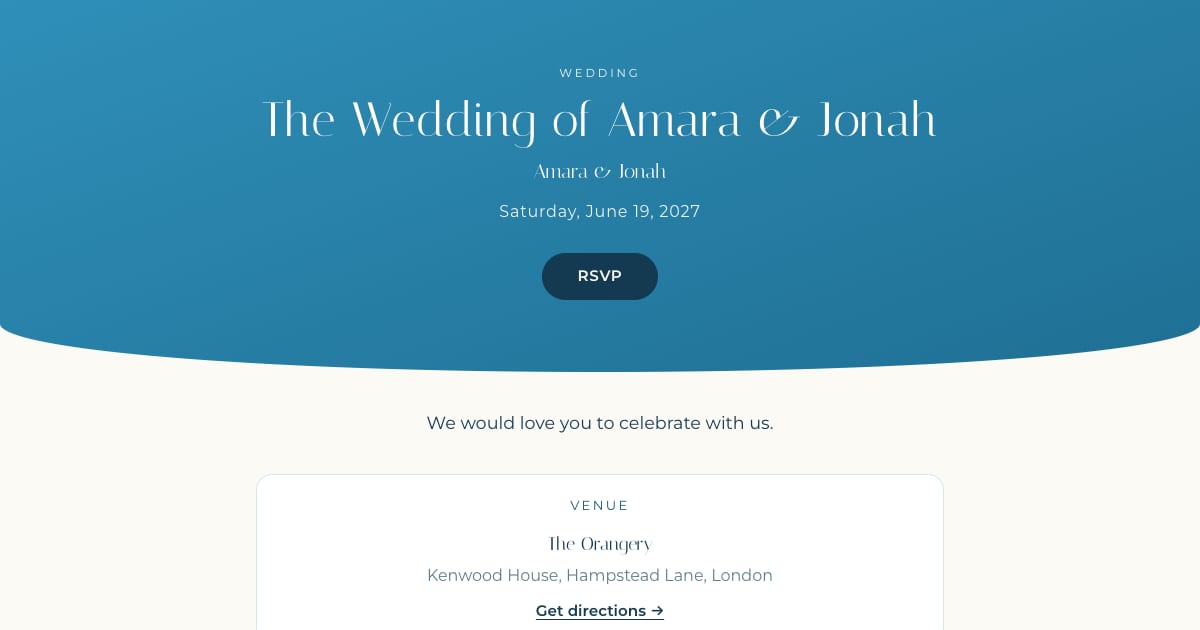
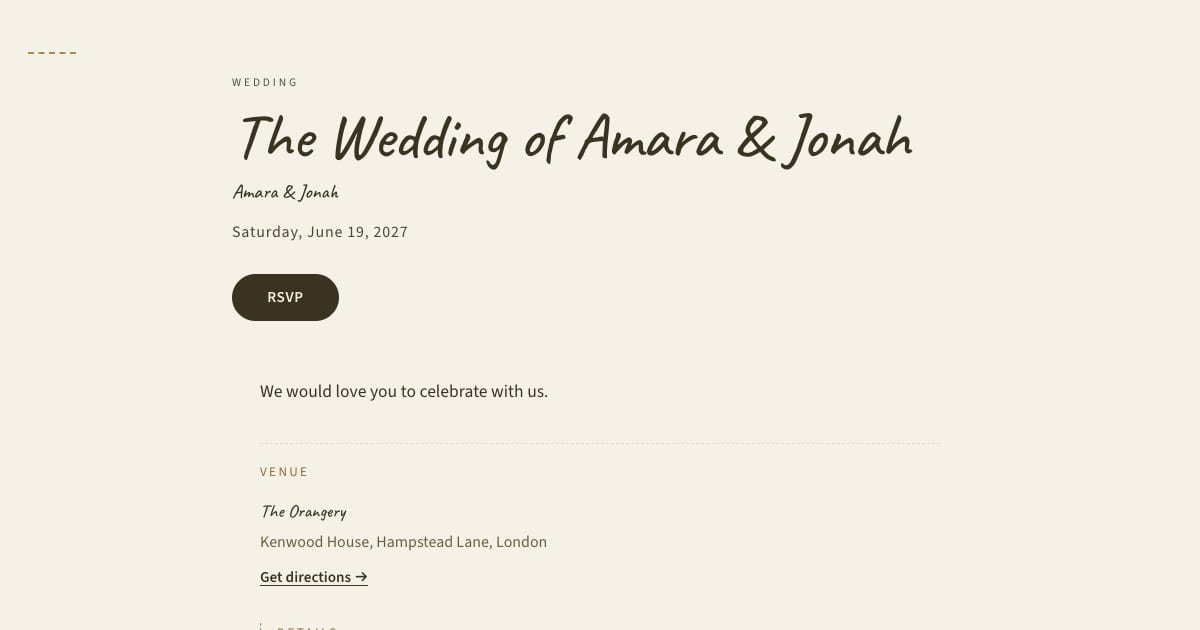
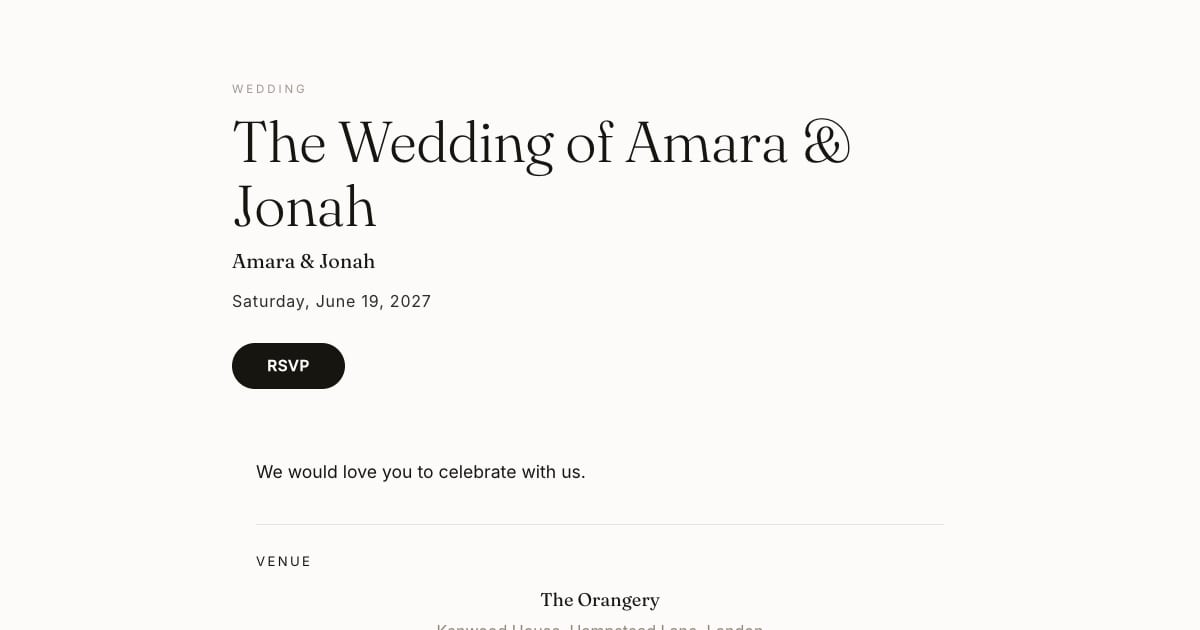
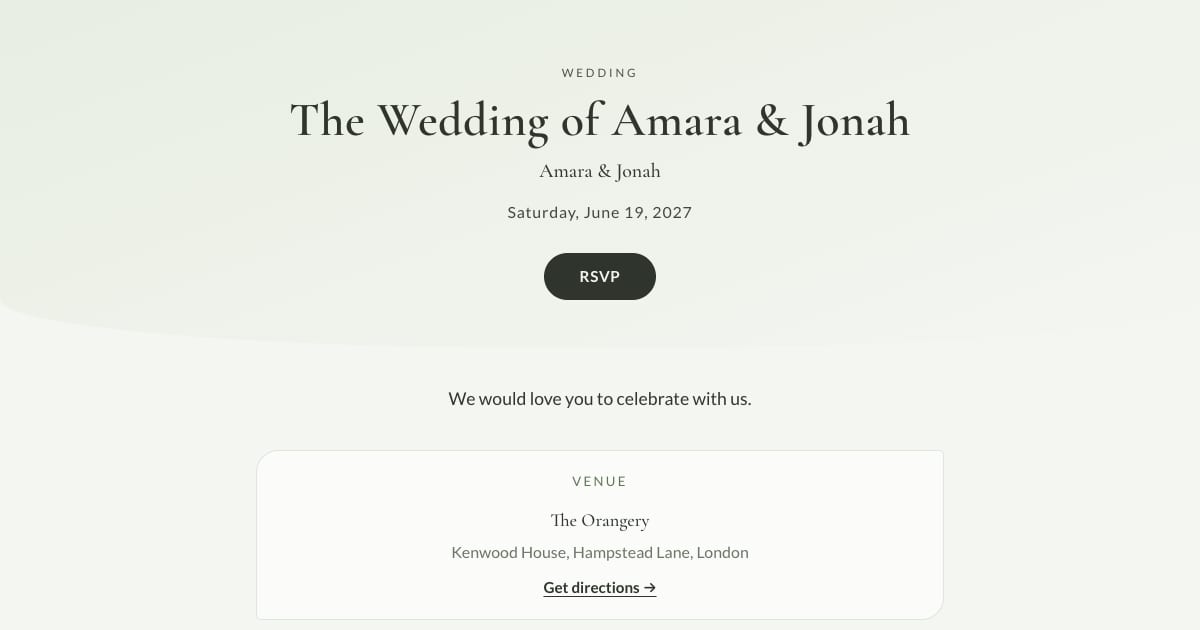
Ceremony, reception, welcome drinks, brunch: each needs its own yes or no so each headcount is right. On Bloomvite the personal RSVP form asks about the sub-events assigned to that guest, and the host sees separate replies. Do not treat the public schedule as a private guest-specific page. -
Set the deadline and write it on the invitation
Work backward from your venue's final-count cutoff and leave time for follow-up. Display the reply deadline clearly. -
Send one message per household
Each with their own link, from your own email or messaging app. No group links, no reply-all. -
Let reminders run, then close
Automatic RSVP reminder emails are a Pro and Large event feature. They target eligible pending guests with an email address while the published event is open for replies, subject to sending limits. They are not automatic texts. Follow up manually with guests who have no eligible email address. After the deadline, handle changes personally and reconcile the final count.
What to ask for, and what not to
Ask: attending, how many people are coming, meal choice if the caterer needs it, dietary notes as free text.
Optional: song requests, transport needs, or accommodation nights. On Bloomvite these go in the note every guest can leave for the hosts.
Do not ask: home address (you have it or you do not need it), or anything you will not use.
Plus-ones without the chaos
The classic RSVP failure is a guest writing "3" when you invited one. Two things prevent it. First, be explicit on the invitation: "We have reserved one seat in your name" or "You are welcome to bring a guest." Second, set the limit per guest: on Bloomvite each guest can be set to no plus-ones, up to one, or more, and the RSVP form will not accept more than you allowed. The count they give shows next to their name and in the headcount.
Where the replies go
Into a live guest list: attending, declined, pending, per event, with meal counts you can read off for the caterer. Bloomvite confirms the reply on screen. RSVP confirmation email is available on every plan when an eligible email address is present and email delivery is configured. Automatic deadline reminders are a paid feature. The paid seating tool offers confirmed guests in the to-seat list. Related: wedding seating chart 101, when to send digital wedding invitations.
Frequently asked questions
What's the best way to collect RSVPs for a wedding?
Should I use a Google Form for wedding RSVPs?
How do I collect RSVPs from guests without email?
What if guests don't RSVP?
Can guests change their RSVP?
Bloomvite limits and sharing
Bloomvite is free for one event and up to 50 people, including plus-ones and children, with all ten templates and no watermark. You share guest links yourself by text, WhatsApp or your own email. Pro is $39 per event for up to 300 people and adds invitation emails and automatic RSVP reminder emails, envelope reveal, seating, CSV import and QR check-in. Large event is $79 for up to 1,000 people. Guests need no account or app to RSVP.
Automatic RSVP reminder emails are a Pro and Large event feature. They target eligible pending guests with an email address while the published event is open for replies, subject to sending limits. They are not automatic texts. Follow up manually with guests who have no eligible email address. See current pricing and RSVP features.
Collect RSVPs the easy way.
Free for one event and up to 50 people, including plus-ones and children. Paid features require Pro or Large.
Create your invitation, free