Wedding Website vs Digital Invitation: Do You Need Both?
Key Takeaway
A wedding website holds logistics; a digital invitation makes the ask and collects RSVPs. Which you need, when one page does both, and how to combine them.
What each one does
| Job | Wedding website | Digital invitation |
|---|---|---|
| Makes the formal ask | No (a website is not an invitation) | Yes |
| Collects RSVPs with meals and plus-ones | Usually yes | Yes |
| Is personal to each guest | Depends on the service and its guest settings | Yes (a link per guest) |
| Carries the design that sets the tone | Partly | Yes |
| Holds travel, hotels, FAQ | Yes | Yes, as sections, within reason |
| Registry | Yes | Links to it |
| Multi-day schedules | Yes | Yes, with per-event RSVP |
| Costs | Free core websites on Zola, Joy and The Knot; check optional upgrades | Free to 50 people on Bloomvite; $39 or $79 per event above |
When one invitation page is enough
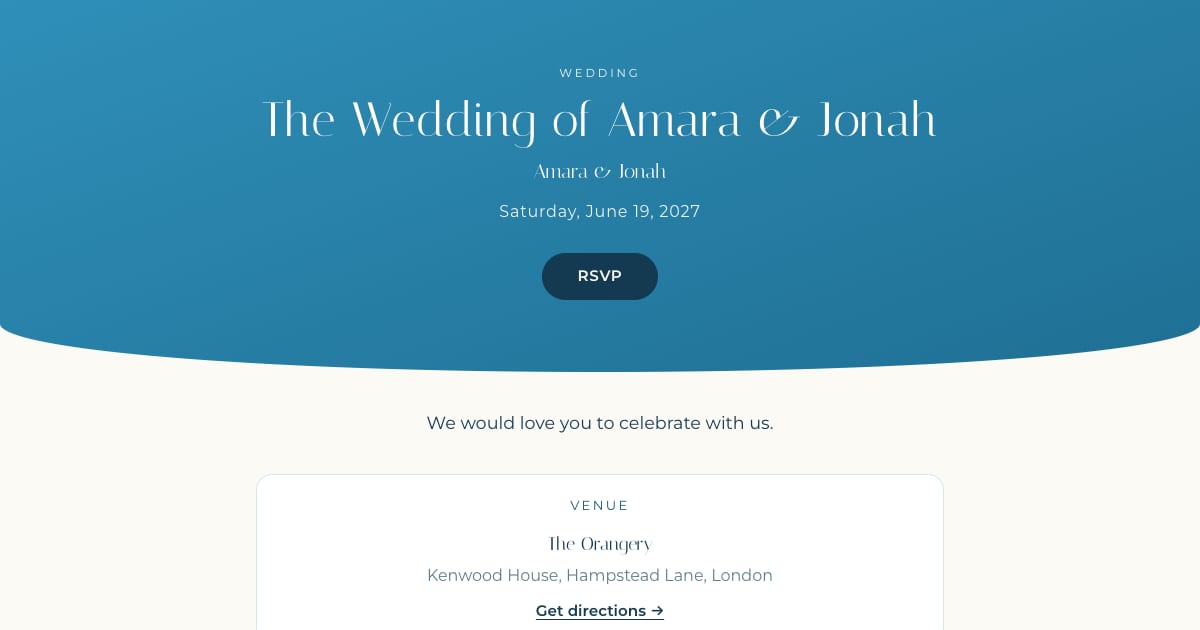
A local or regional wedding with most guests driving in, no room block, and a registry you can link to. The invitation page carries the invitation block, your story, the schedule for the day, a travel note with parking, registry links, and photos. Guests open one link, read everything, and RSVP. There is nothing else for them to find.
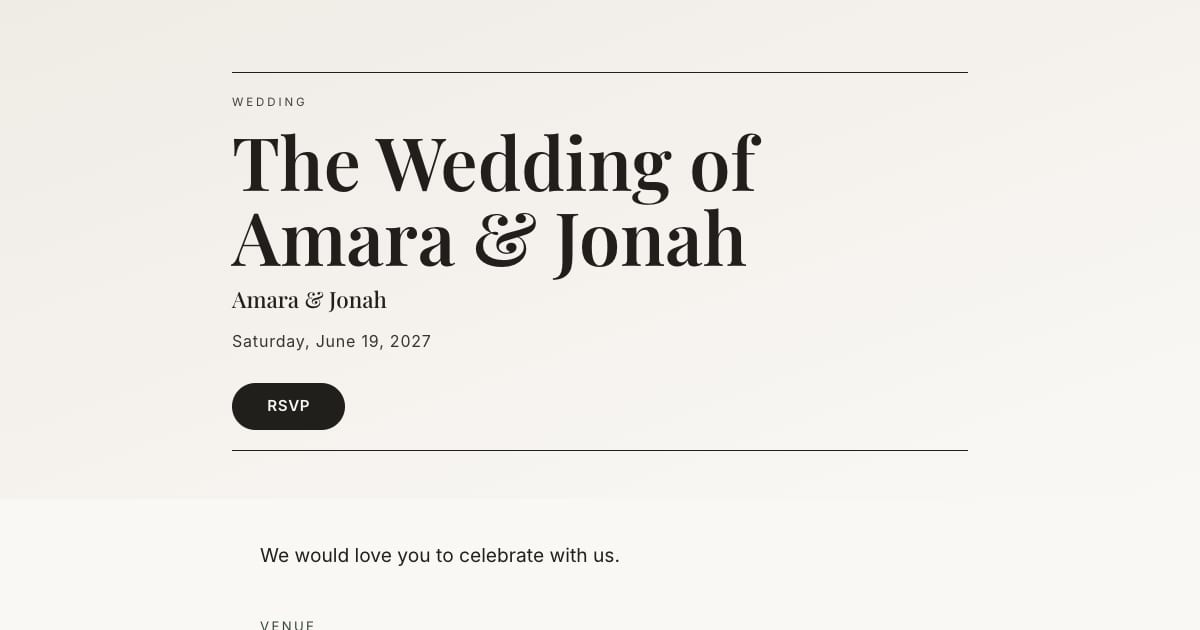
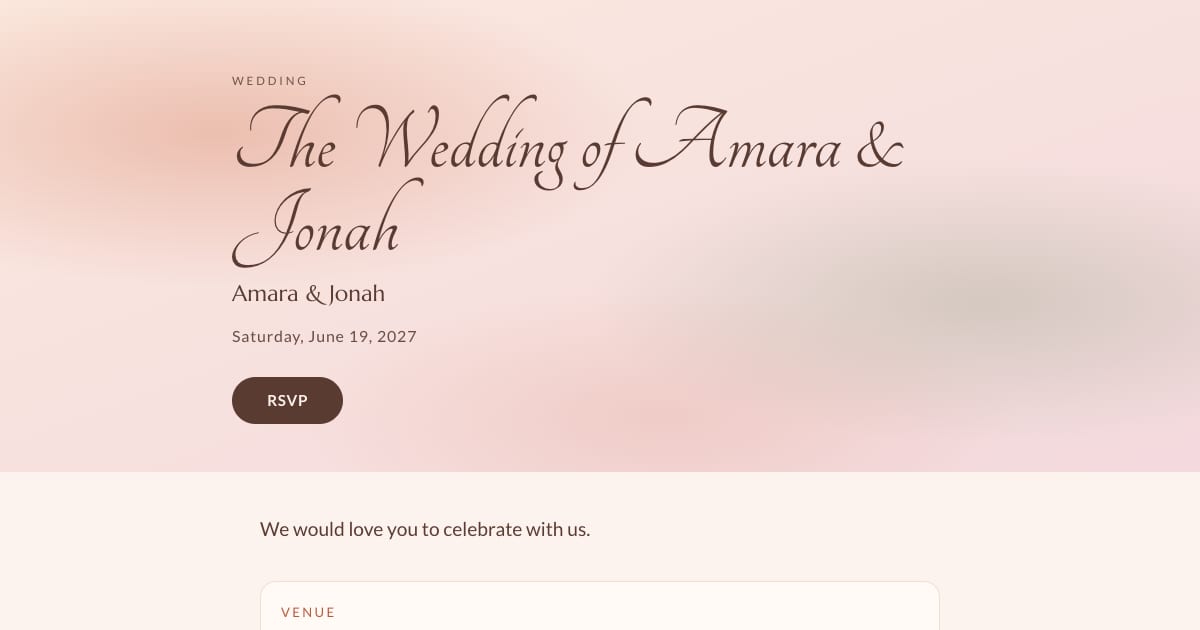
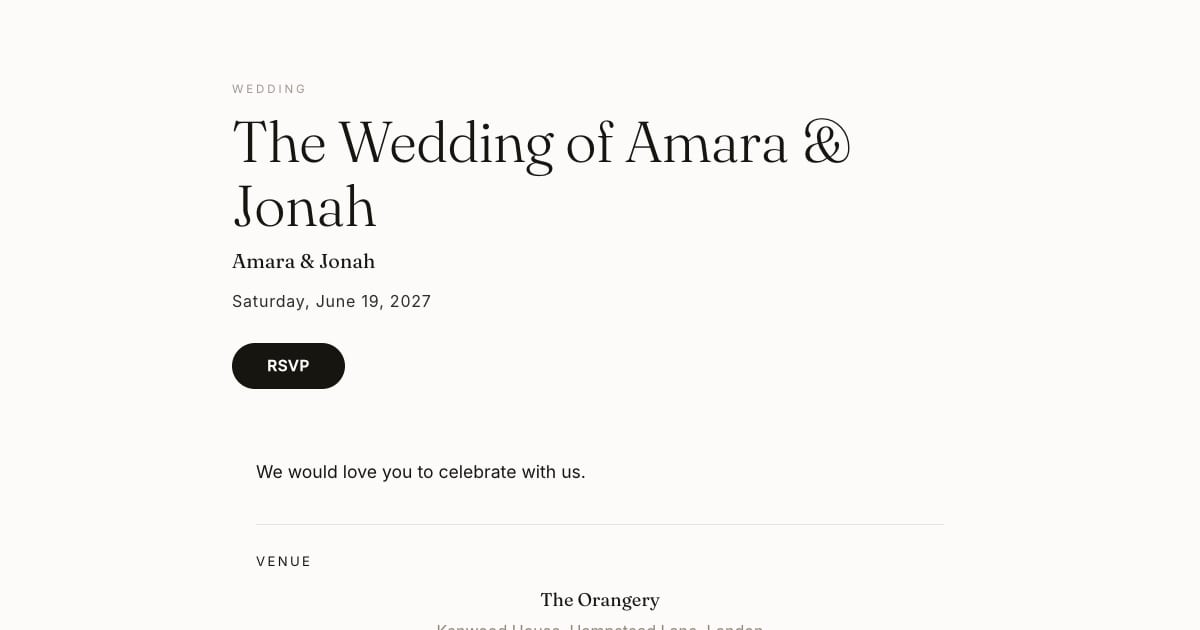
This is how Bloomvite is built: the invitation is a full page with sections, not a card, so for most weddings it replaces the website. It renders full-width on desktop and phone-first on mobile, and the RSVP is on the page.
When you want a website as well
- Destination wedding with flights, room blocks, transfers, and a three-day schedule. That is a lot for an invitation page.
- A hotel block with booking codes and deadlines that change.
- A registry-first setup on Zola or Joy where the website comes free with the registry you are using anyway.
- A password-protected FAQ for sensitive information (family situations, security).
In these cases use the free website for logistics and a designed invitation for the ask and the RSVP. Put the website link in the invitation's travel section. See our Withjoy comparison and Zola comparison for how that pairing works.
Why not just use the free website's invitation?
You can use a website service's invitation or share its RSVP page if those meet your needs. Compare the actual guest experience, available designs and sending features rather than assuming a free suite has less capable RSVP.
Bloomvite provides personal invitation links and a focused template builder. Whether a paid event is useful depends on your people count and need for email sending, seating or check-in. See our sourced option guide.
Frequently asked questions
Do I need a wedding website in 2026?
Can a digital invitation replace a wedding website?
Can I use a Zola or Joy website with a different invitation?
Should the RSVP be on the website or the invitation?
Is a wedding website free?
Bloomvite limits and sharing
Bloomvite is free for one event and up to 50 people, including plus-ones and children, with all ten templates and no watermark. You share guest links yourself by text, WhatsApp or your own email. Pro is $39 per event for up to 300 people and adds invitation emails and automatic RSVP reminder emails, envelope reveal, seating, CSV import and QR check-in. Large event is $79 for up to 1,000 people. Guests need no account or app to RSVP.
Automatic RSVP reminder emails are a Pro and Large event feature. They target eligible pending guests with an email address while the published event is open for replies, subject to sending limits. They are not automatic texts. Follow up manually with guests who have no eligible email address. See current pricing and RSVP features.
One page. The ask, the story, the RSVP.
Free for one event and up to 50 people, including plus-ones and children. Paid features require Pro or Large.
Create your invitation, free