How to Run a Gala Without Enterprise Event Software
Key Takeaway
Plan an invitation-only gala with RSVP, dietary notes, seating and QR check-in. Understand Bloomvite's event limits and when ticketing needs differ.
What an invitation-only event actually needs
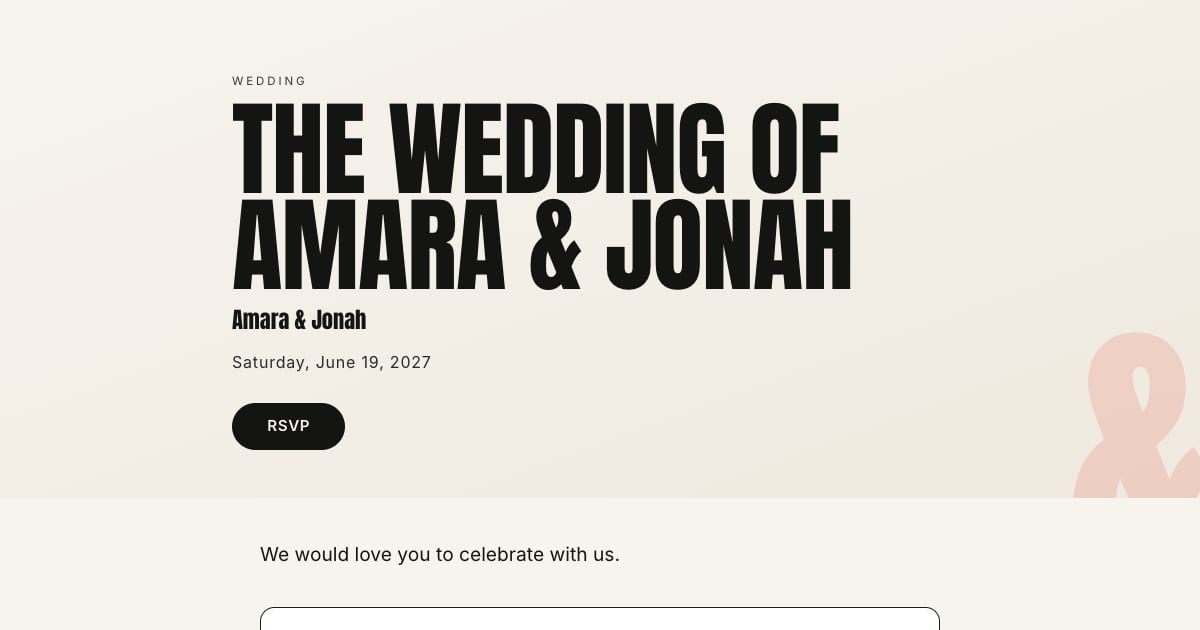
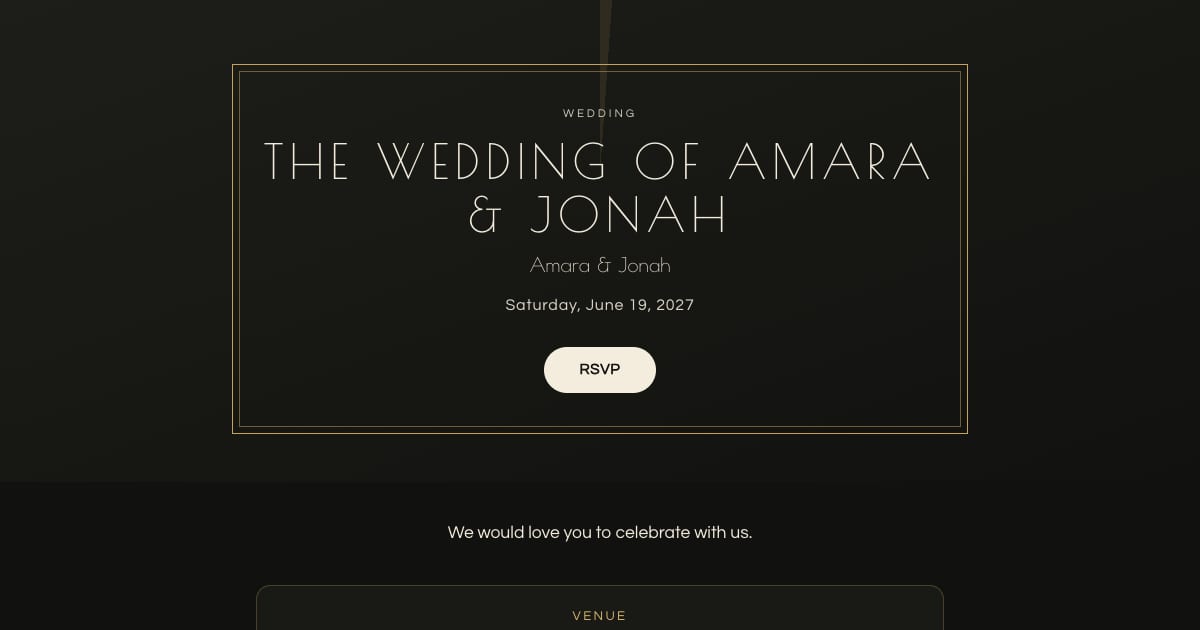
- A branded invitation. Your colors and logo (as a cover image), a clean template (Gilded for a black-tie gala, Editorial or Atelier for a corporate dinner), the program, dress code, and venue with a map.
- RSVP that captures what catering needs. Attending, number of guests, dietary requirements, and any per-session answers (dinner only, or the afternoon program too).
- A seating chart built from confirmed guests, with table capacities, and a way to change it the morning of.
- Door check-in. A per-guest pass, a scanner in a compatible phone browser with camera access, several doors at once, and a live arrivals count for the organizer. Plus a name lookup for the guest who forgot the pass.
The setup, step by step
Guest list
Add guests by hand, or import a spreadsheet on Pro or Large. Set each record's additional-guest allowance to match the invited party.
Invitation
Send personal links through your own messages, or use platform invitation email on a paid event. Replies are associated with the guest record; a personal link is not proof of the respondent's identity.
Reminders and close
Choose the reply deadline around your venue's final-count cutoff and leave time for follow-up. Paid automatic reminder emails need eligible pending guest email addresses. Contact other pending guests yourself and reconcile the final meal and attendance counts.
Seating
On a paid event, create tables with capacities and assign confirmed guests. Review changes before the event. Prepare a printed fallback separately if your staff need one.
Door
Authenticated staff open the browser scanner and scan personal passes. An already checked-in guest is identified as such. Keep the name-lookup option available for guests without a usable pass.
Where Eventbrite and enterprise tools fit, and where they do not
Use a ticketing service when you need payments, tickets or public registration. Compare enterprise tools when you require badges, session admission, sponsor reporting or contracts that Bloomvite does not provide. Prices and free-event terms vary by provider; do not assume every ticketing product charges a fee for free admission.
Bloomvite is for invitations and guest management, not ticket sales. Compare the actual workflow before choosing. See guest check-in workflows.
Cost for a 400-guest invitation-only gala
| Bloomvite | Ticketing platform | Enterprise event platform | |
|---|---|---|---|
| 400-person invitation-only event | Bloomvite Large: $79 for up to 1,000 people | Check the selected platform's free-event and payment terms | Obtain a quote for your required features |
Frequently asked questions
Can I use Bloomvite for a corporate event?
Do staff need an app to check guests in?
Can I put our logo on the invitation?
Can I export the guest list?
Is there a per-ticket fee?
Bloomvite limits and sharing
Bloomvite is free for one event and up to 50 people, including plus-ones and children, with all ten templates and no watermark. You share guest links yourself by text, WhatsApp or your own email. Pro is $39 per event for up to 300 people and adds invitation emails and automatic RSVP reminder emails, envelope reveal, seating, CSV import and QR check-in. Large event is $79 for up to 1,000 people. Guests need no account or app to RSVP.
Automatic RSVP reminder emails are a Pro and Large event feature. They target eligible pending guests with an email address while the published event is open for replies, subject to sending limits. They are not automatic texts. Follow up manually with guests who have no eligible email address. See current pricing and RSVP features.
Run the whole evening from one link.
Free for one event and up to 50 people, including plus-ones and children. Paid features require Pro or Large.
Create your invitation, free